
Being online makes navigation simple, until the signal drops or the battery runs low. Make sure the information you rely on most can be opened without a connection.
Try it before you head out
While you are still in your hotel room, open your tickets and the hotel address. Then turn data off and see if you can still reach them. Screenshots work well for addresses and booking numbers. Some tickets, though, only work in the original app or need a connection, so read the conditions on yours.
What should still open with no data?
The hotel address, in Japanese
Keep the property name, its phone number and the address.
Your first route and station exit
Screenshot the directions for your first trip and the exit you need at the station.
Meal and prayer details you have confirmed
Save prayer times and any replies you have had from operators.
Bookings and a meeting point
Save your booking confirmations and the place your family will meet if you get separated.
Ticking items here does not save anything to your phone. Make real copies and check they open in airplane mode before you leave.
Run an airplane-mode test
Switch to airplane mode and try opening each file. Put a copy on a second person's phone too, and bring a charger. Whether you can download maps depends on the app.
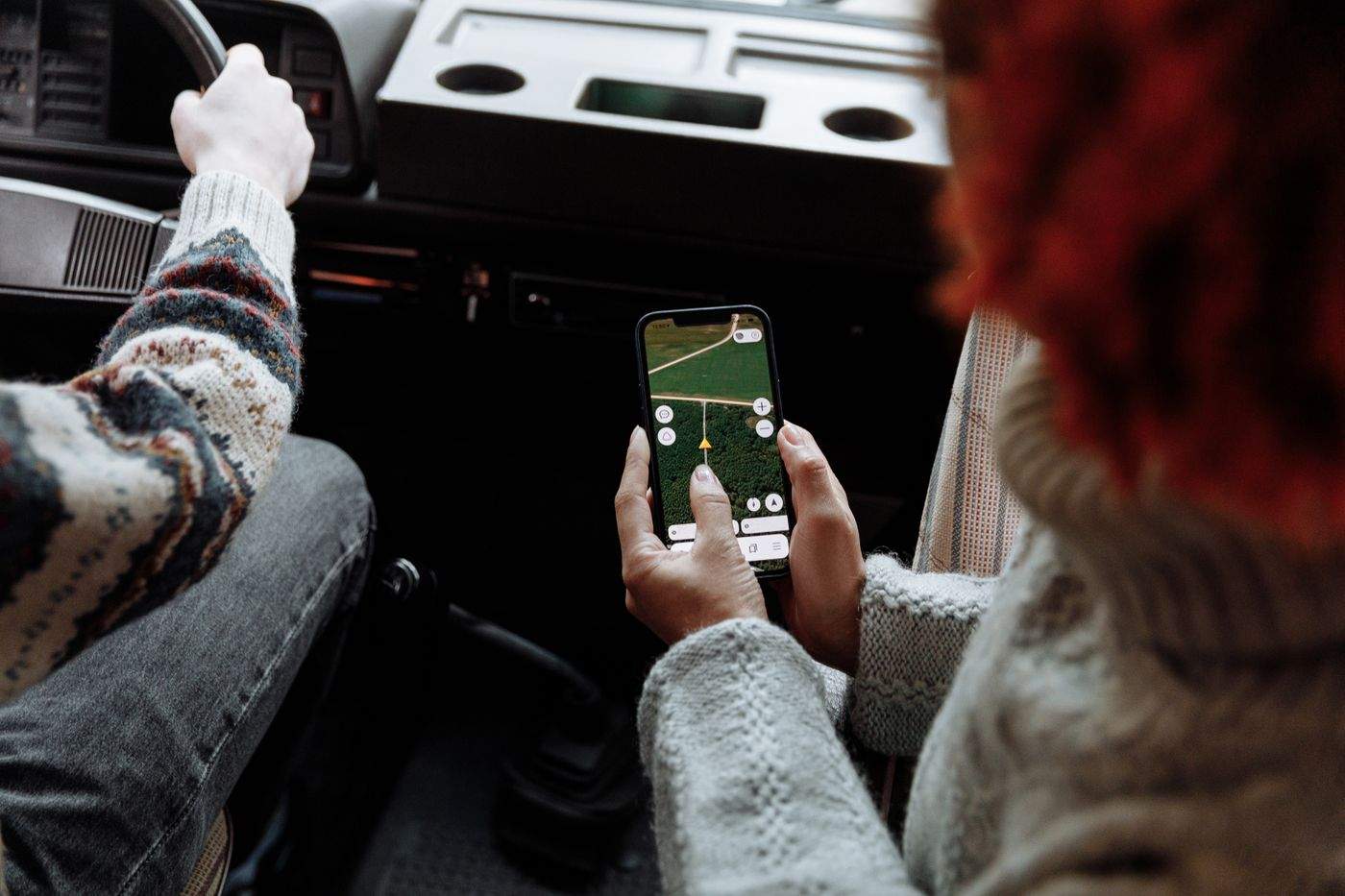
Cover photo: A passenger using a digital map. Travel stock photography. Photo: Thirdman / Pexels.
Sources
- JNTO · Travel FAQ: SIM, eSIM and Wi-Fi (checked 2026-10-08)